In-app guide step
Learn how to make a recipient eligible for a guide directly from a workflow or broadcast step.
Use an in-app guide step to update a user's guide eligibility within a workflow or broadcast run. This is useful when eligibility is driven by the context of the workflow or broadcast. For example, recipients may become eligible for an onboarding modal after completing a certain action in a cross-channel onboarding campaign.
How it works
#An in-app guide step references a guide by its key. When you add the step to a workflow or broadcast, Knock creates a managed static audience behind the scenes and links it to the guide's targeting rules. When the step executes for a recipient, Knock adds that recipient to the managed audience to make them eligible for the selected guide.
If the workflow or broadcast run includes a tenant context, Knock adds the recipient to the audience as a user-tenant pair. Learn more about audiences and tenants.
To receive the rendered guide in your application, eligible audience members must also meet any guide targeting criteria set directly on the guide. This includes property-based targeting and activation rules. Guides may also be subject to throttling depending on how they've been prioritized in against other guides your user is eligible for.
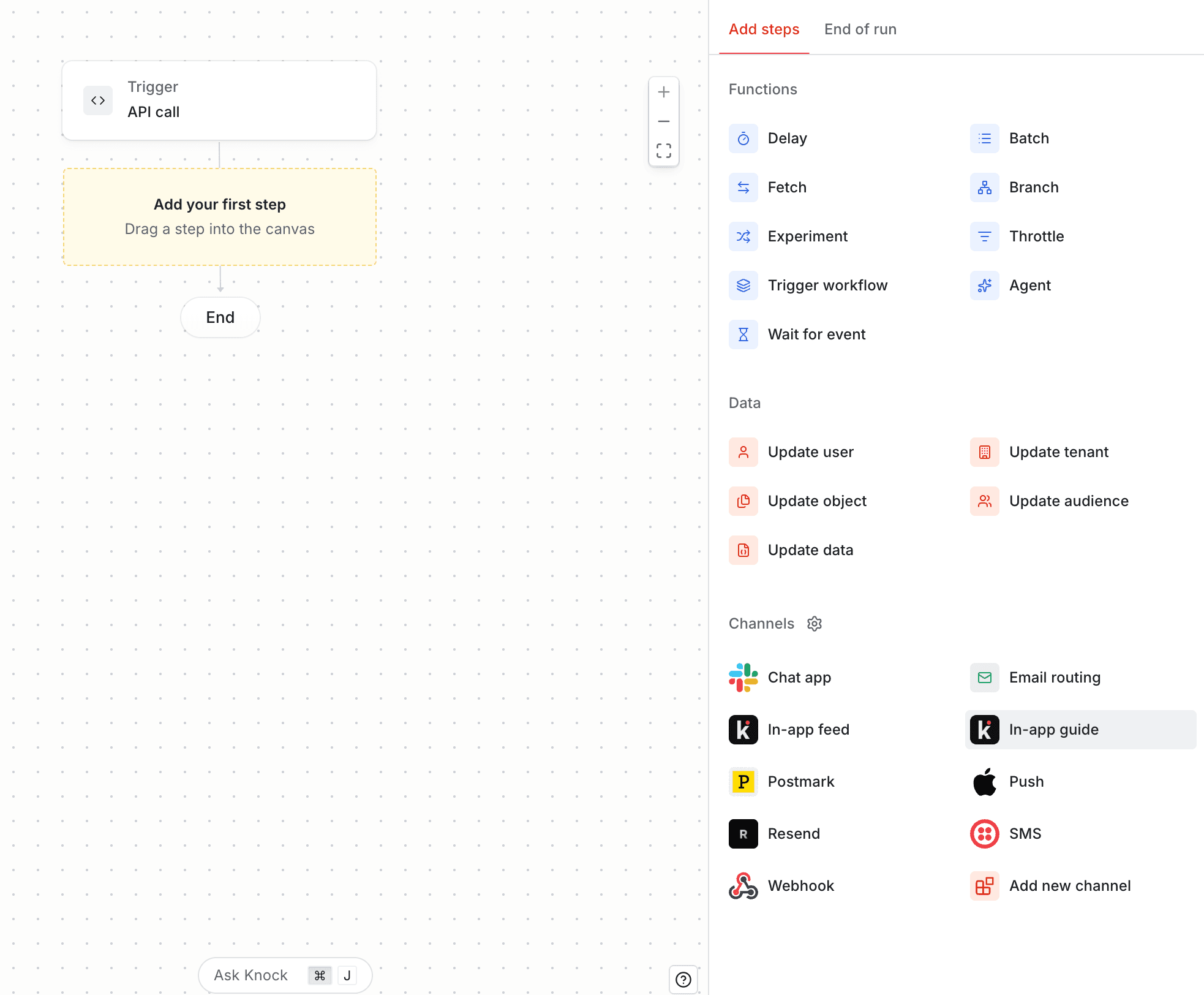
Adding an in-app guide step
#
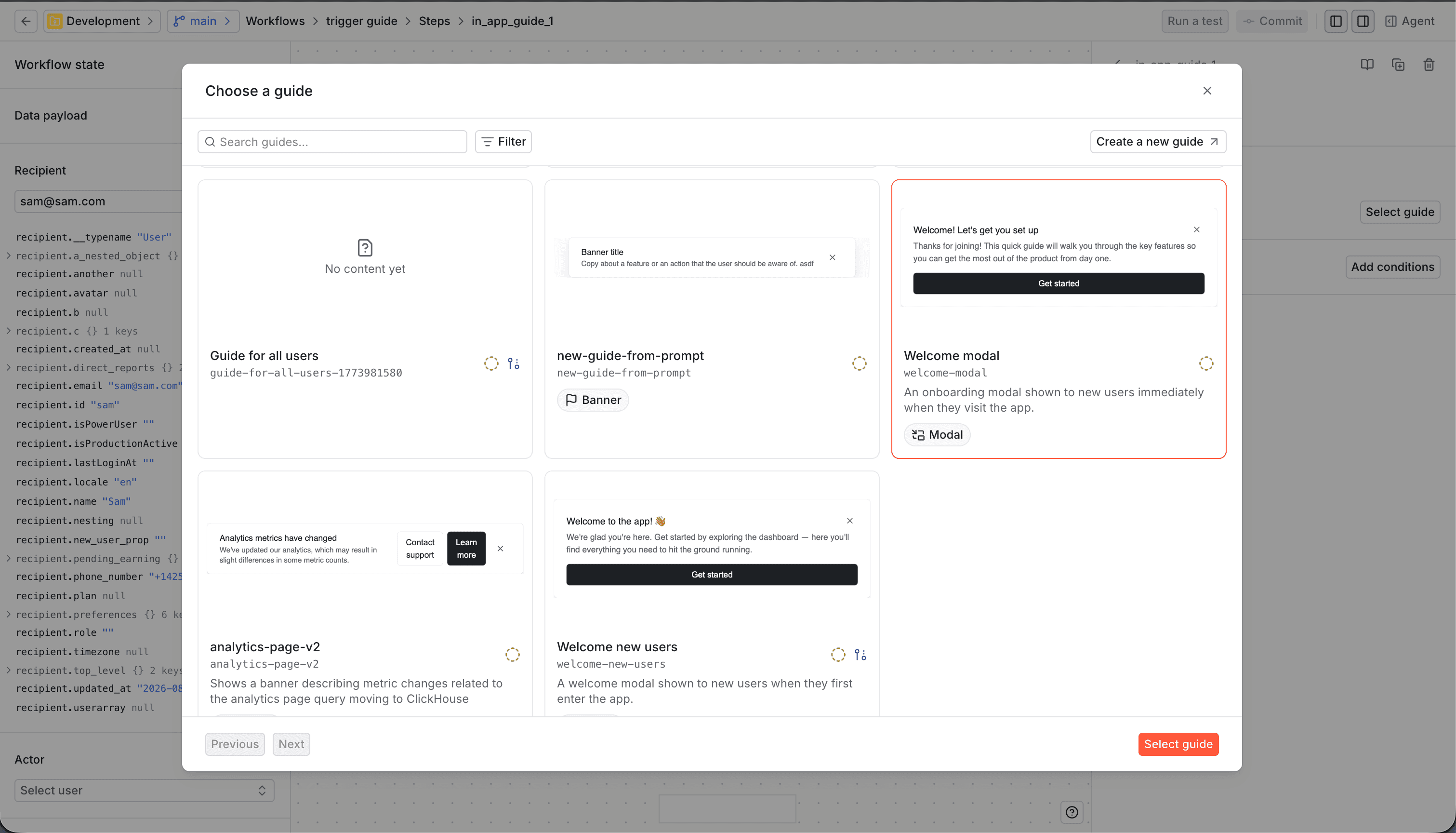
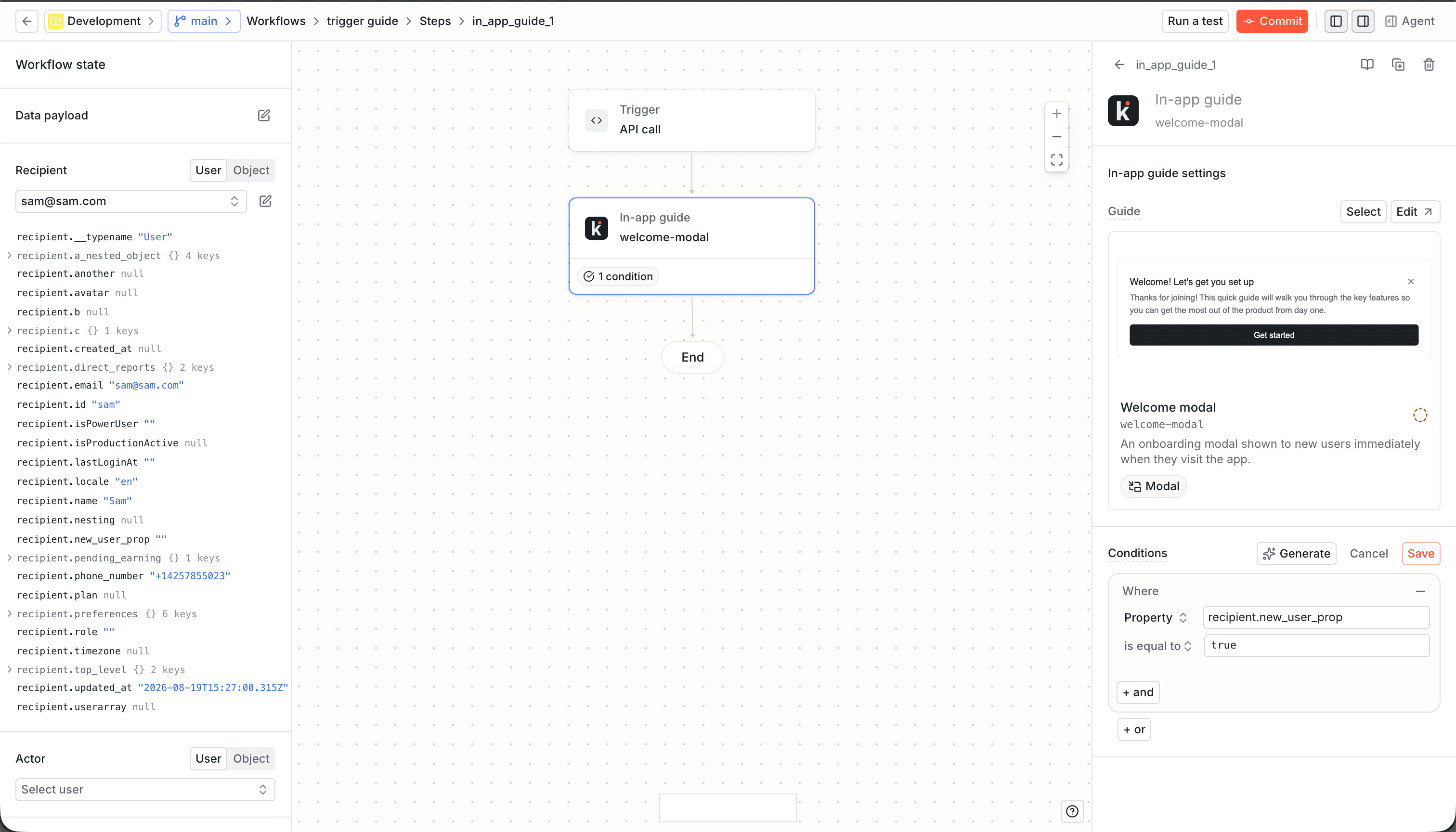
Promoting the guide with the workflow
#- Create and configure the guide in your development environment, then commit and promote it.
- Create or update the workflow or broadcast with the in-app guide step, commit it, and promote it to the same environment.
- After the workflow or broadcast references the guide, it appears in the guide's Triggered by section. You can then update the guide's audience targeting. To only target recipients through the step, leave the guide's audience empty, then commit and promote the guide again.
- Repeat this order for each environment on the way to production.
If you promote the workflow before the guide, the guide_key cannot resolve in
the destination environment, and the workflow or step may be invalid there.
Promoting the guide first ensures that the dependency exists before the
workflow is evaluated.
Guide targeting and the managed audience
#When a guide is referenced by an in-app guide step, its Audience settings reflect that it's targeted by a workflow or broadcast step rather than, or in addition to, a manually-selected audience. You can see which workflows and broadcasts trigger a given guide in the Triggered by section of the guide's details page in the dashboard.
Tenant context
#When a workflow trigger includes a tenant ID, Knock includes that tenant ID in the recipient's audience membership context. This means the in-app guide step enrolls the recipient as a user-tenant pair, rather than as a user alone. The same applies when a broadcast run includes tenant context.
This context can affect guide eligibility when tenancy strict mode is enabled. See the tenancy strict mode documentation for details.